
JAMB Introduces Home-Based O’Level Result Upload and Verification

1 min read356 views

JAMB Introduces Home-Based O’Level Result Upload and Verification
BREAKING NEWS: Candidates can now verify and upload their O’Level results from the comfort of their homes, following a new initiative by the Joint Admissions and Matriculation Board (JAMB).
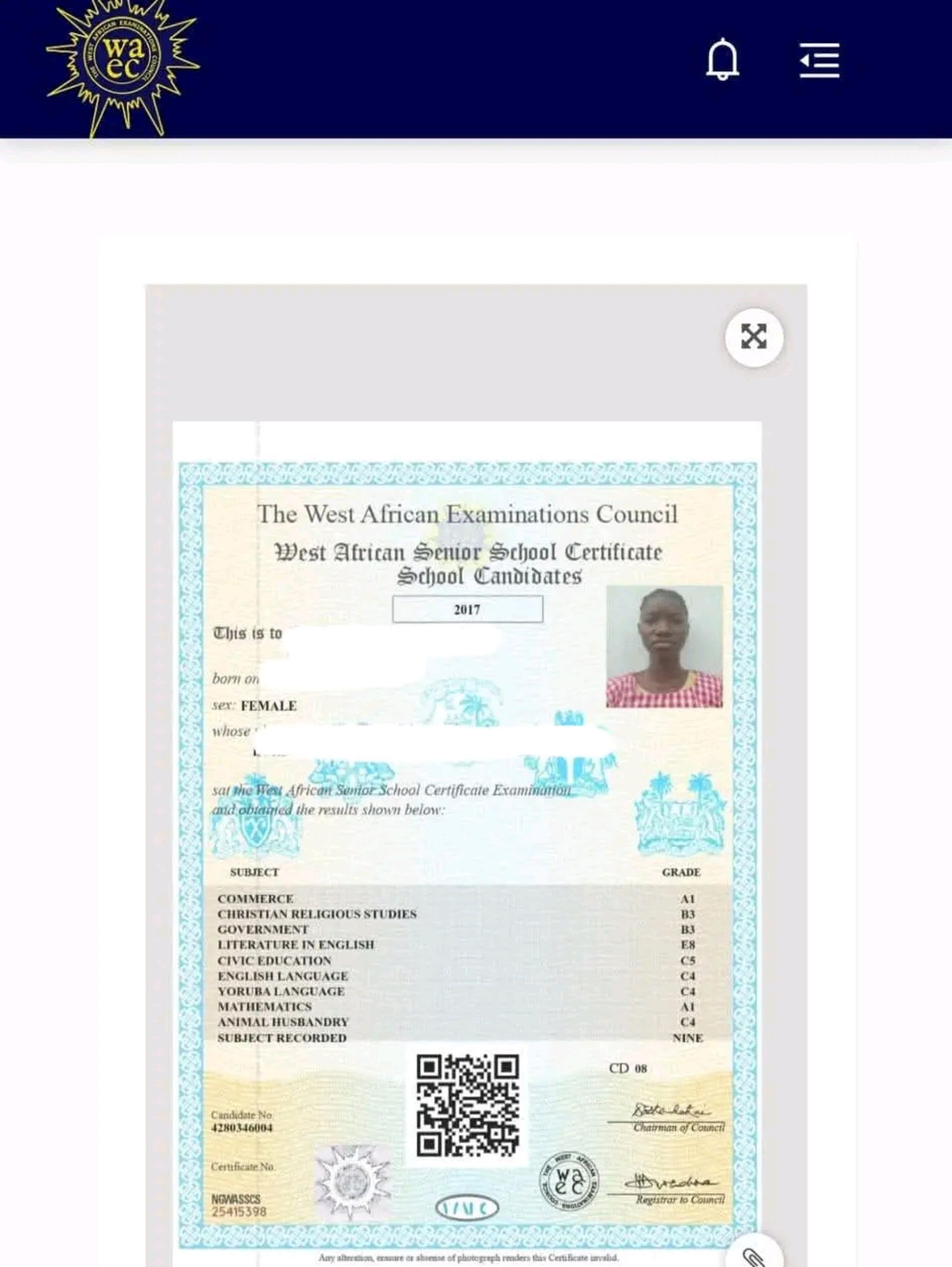
The new system allows JAMB to verify candidates’ O’Level results directly with the relevant examination bodies, beginning with the West African Examinations Council (WAEC).
This development is expected to make the process of submitting O’Level results faster, easier, safer and more convenient, while reducing the need for candidates to visit Computer-Based Test (CBT) centres.
Why JAMB Introduced the New System
According to JAMB, the new arrangement is designed to reduce some of the challenges associated with the traditional manual upload of O’Level results.
These challenges include misplaced or mixed-up certificates, submission of fraudulent or unverified results, and mistakes when manually entering subjects and grades.
Through the integration of JAMB’s e-Facility platform with examination bodies, candidates’ results can now be checked directly against the records of the examination body before being uploaded to their JAMB profiles.
How to Verify Your O’Level Result
Candidates are required to first obtain a Verification Code before proceeding with the upload.
Step 1: Visit the Result Verification Platform
Go to buyresultsverificationcode.ng buyresultsverificationcode
Step 2: Verify Your NIN
Enter your National Identification Number (NIN) and select “Verify NIN.”
Step 3: Select Your Examination Details
Choose the number of O’Level sittings you want to verify and select the appropriate examination body or bodies.
Then click “Continue.”
Step 4: Enter Your Contact Details
Provide your email address and GSM/phone number, then select “Pay Now.”
You will be redirected to the payment gateway.
Step 5: Complete Payment
Pay for the verification using your debit card or bank transfer.
After a successful payment, you will be required to provide your examination details, including:
Examination number Examination series Examination year
Verify the result(s) for the number of sittings selected and proceed to obtain your Verification Code.
How to Upload Your Verified O’Level Result
After obtaining your Verification Code, proceed with the following steps:
Read next

FUO Releases 2026/2027 Post-UTME Screening Schedule, Sets September 21–26 for Exercise
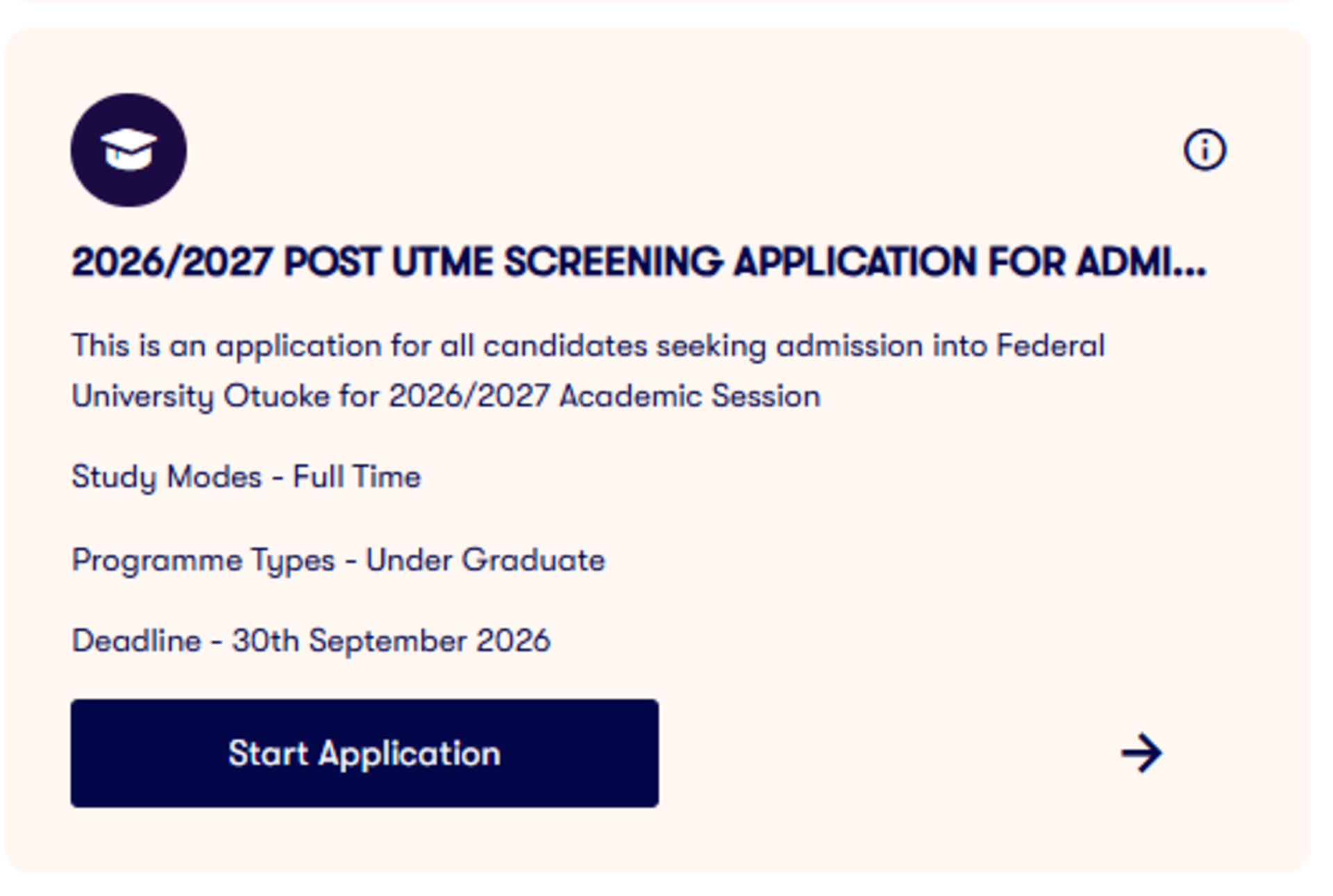
Federal University Otuoke (FUO) has released the schedule for its 2026/2027 Admission Screening Exercise, with the screening set to take place from Monday, September 21 to Saturday, September 26, 2026.

0 comments
Join the conversation
No comments yet. Be the first to say something.